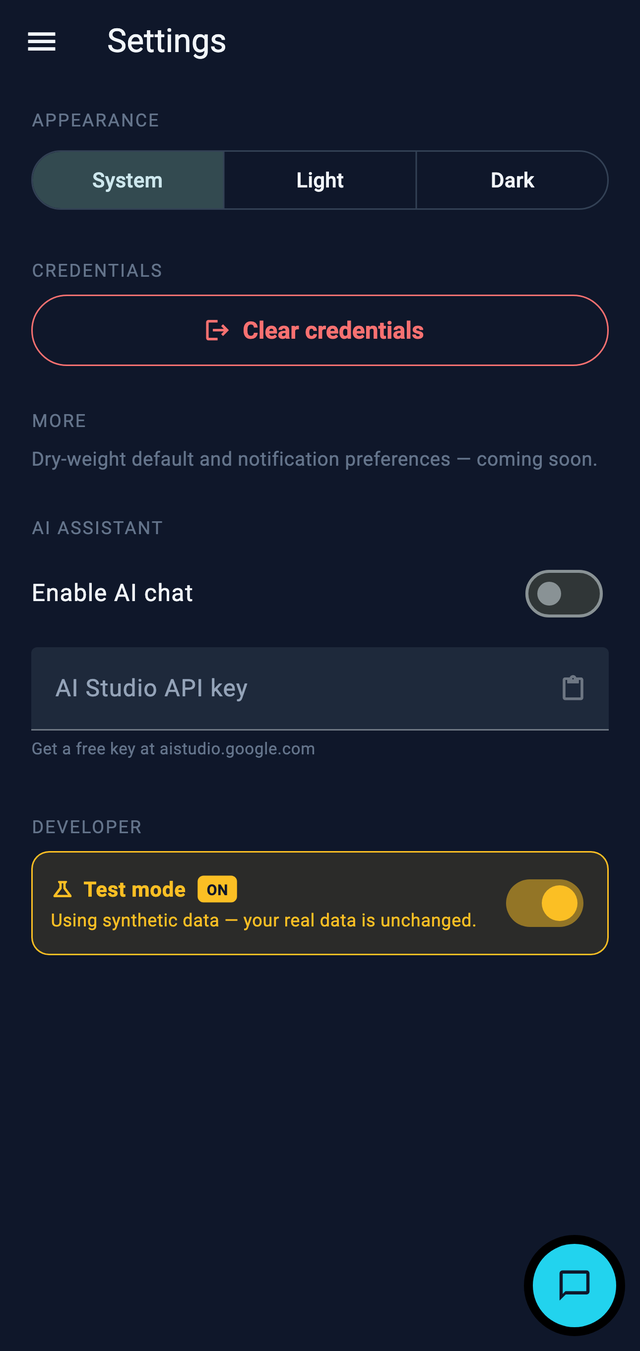
My own version uses the cloud — sync, the AI assistant, a Sheet my clinical team can read. That suits me. But it doesn't suit everyone, and it shouldn't have to. Some people don't want an account; some don't trust their health on someone else's server; some just want to open an app and start. All completely reasonable. So the same Flutter codebase builds a second flavour for them.
What it lets go of
Behind a build flag, the community edition is fully local-first: data lives on the device, there's no cloud, no sign-in, no account to create. You install it and start logging. Nothing leaves your phone unless you decide to send it.
What it keeps
It keeps the part that actually matters — the daily tracking loop — and adds on-device export to CSV and PDF, so you can hand a clean record to your own clinical team without any of my infrastructure in the middle. There's a distributable APK and a web build.
You can try the web build right now: homehd-community.web.app. Nothing you type leaves your browser.
One codebase, two products, switched by a flag. The real work is keeping the boundary honest: the cloud features sit behind interfaces, so the local build simply doesn't wire them up — no forked code to maintain.
Why bother
Partly engineering discipline — if a feature can be cut by a flag, your boundaries are honest. Mostly, though: I had to build the tracking part anyway, and giving it to other people in the same situation costs me a build target, not a rewrite. That's a good trade.