Hermes Agent is an open-source AI agent that runs in your terminal — same family as Claude Code, but provider-agnostic: it can use OpenRouter, OpenAI, Google, local models, and more. What most people don't realise is that it can also run on a Claude Pro/Max subscription you already pay for, using the same OAuth login as Claude Code — no Anthropic API key, no per-token API billing. Here's exactly how I set it up, and the one gotcha that cost me a day.
What you need before starting
- A Claude subscription (Pro or Max) with Claude Code available on it
- Claude Code CLI installed and logged in at least once (
claude login), on macOS or Linux - An empty afternoon — setup itself is ten minutes, but the gotcha at the end is worth knowing about
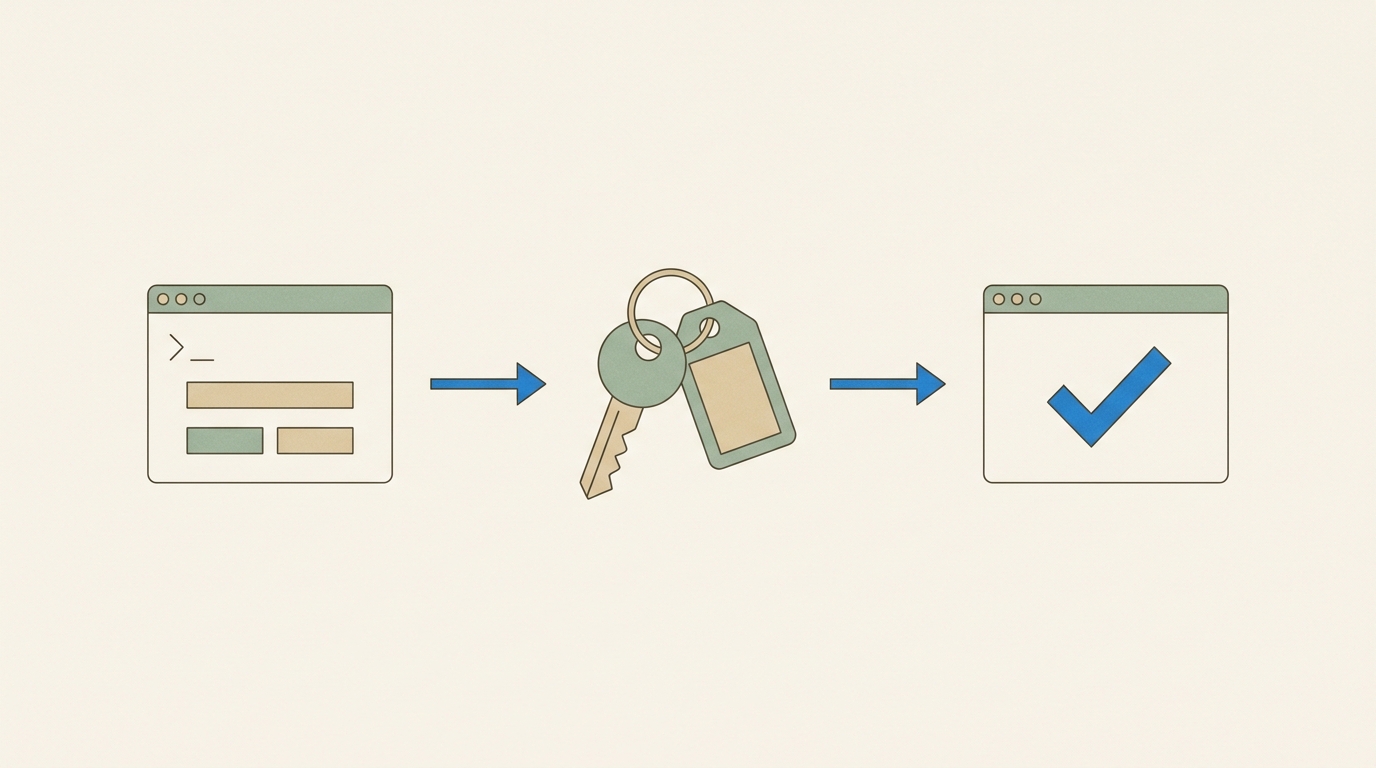
The reason Claude Code needs to have been logged in is that Hermes doesn't do its own Anthropic OAuth. It reads the credential Claude Code already stored — that's the whole trick, and also the source of the one failure mode I'll get to.
Step 1 — Install Hermes
curl -fsSL https://hermes-agent.nousresearch.com/install.sh | bash
That installs the launcher, a Python environment, and the agent itself. Then confirm it runs:
hermes doctor
Step 2 — Point it at the Claude subscription
Run the setup wizard and pick the Anthropic provider:
hermes setup
Or set the pieces directly — the default profile config lives in ~/.hermes/config.yaml:
model:
  default: claude-sonnet-5
  provider: anthropic
The key part: do not set an ANTHROPIC_API_KEY. If you do, Hermes will use API billing. Leave it out and Hermes automatically discovers the Claude Code OAuth credential instead — on macOS from the Keychain entry "Claude Code-credentials" and/or ~/.claude/.credentials.json.
Step 3 — Verify what it's actually using
hermes auth list
You want to see the anthropic provider holding an oauth credential sourced from claude_code — that's the subscription route:
anthropic (1 credentials):
  #1  claude_code          oauth   claude_code ←
Then a live smoke test:
hermes chat -q "Reply with exactly: OK"
If you get OK back, you're running on your subscription.

Step 4 — The gotcha: 'out of extra usage' while the CLI works
This is the one that bit me. Hermes authenticates fine and answers queries — but you notice your purchased extra-usage credits draining, while your subscription's Claude Code weekly allowance sits untouched. And when the extra usage runs out, Hermes fails with:
HTTP 400: You're out of extra usage. Add more at claude.ai/settings/usage
…while claude -p "hi" works perfectly.
Same token, same account — different billing lane. Anthropic's OAuth billing classifier routes requests by the client fingerprint (user-agent, beta headers, query params, payload markers), not just by who you are. If the tool presents a slightly-off version of the official Claude Code fingerprint, Anthropic bills it as a third-party app drawing from extra usage instead of the subscription quota.
I wrote up the full diagnosis in Why my AI agent was billing my Claude subscription as 'extra usage' — including the exact request diff and the patch. If you hit this error, that's the post to read.
Keeping it healthy
- Credentials go stale — if Hermes starts failing auth, run
claude -p hionce. That re-syncs the OAuth credential Hermes auto-discovers. - Check the lane, not just the balance — if you see extra usage moving while the CLI works, your tool is being billed as a third party. Fix the fingerprint, don't just top up.
- Shell hygiene — if you use helper functions that export
ANTHROPIC_BASE_URL/ANTHROPIC_AUTH_TOKEN(e.g. to point Claude Code at another provider), those exports persist in the shell after the function exits. Launch Hermes from a fresh shell or you'll silently route it somewhere else.
A cheap fallback worth having
Hermes supports profiles, so I keep a second one on DeepSeek — a separate API-billed provider that's cheap enough to treat as a spare. If the Claude lane is ever down, I switch with a single flag rather than being blocked:
alias hermes-ds="hermes -p deepseek"
Subscription for the main work, a cheap API as the spare. That combination has been rock solid since I fixed the fingerprint issue.
Getting the most out of the tooling you already pay for — and debugging it when it misbehaves — is what I do. Get in touch if you're wrestling with something similar.